How to read the 16-bit PNG
 Depth-Map.com
The raw model file reaches 65535. A 3 mm manufacturing file peaks at 19661, because full scale on this site is a 10 mm span.
The lion sample has two grayscale files, and they are not supposed to share a peak value.
The raw model PNG, lion-raw-16.png, stores the metric depth field. Its brightest pixel is 65535. That file is the model output before a thickness is chosen.
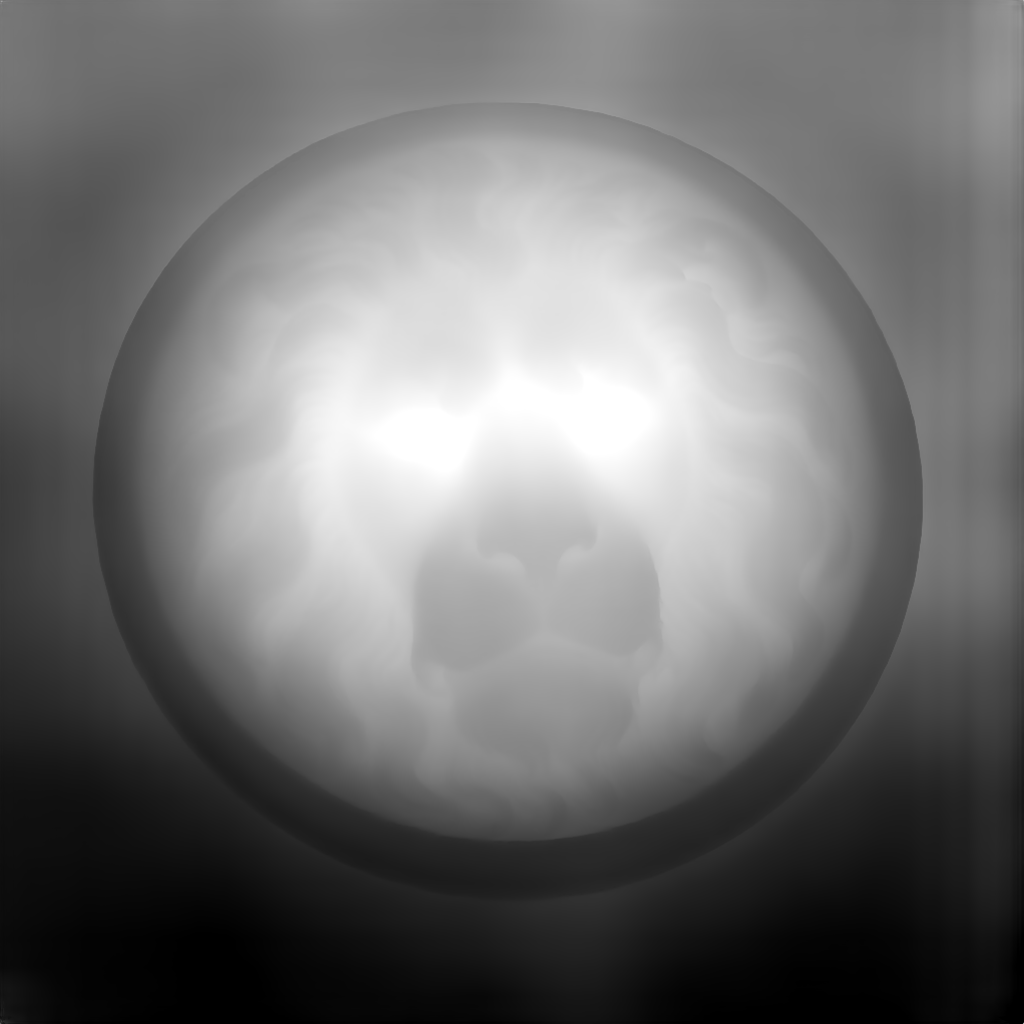
The manufacturing PNG, lion-depth-16.png, is the same field after the 3 mm depth setting. Its brightest pixel is 19661. That is the file to open in LightBurn or on a CNC.

Why 19661 is a full 3 mm
This site treats 65535 as a 10 mm span. A requested depth is written as:
round(height × (depth mm / 10) × 65535)
At 3 mm the peak is round(0.3 × 65535) = 19661. At 5 mm it is 32768. At 0.8 mm it is 5243. A file that peaks at 65535 is asking the machine for the full 10 mm, which is rarely what a coin or a plaque wants.
A test that says “the channel must hit 65535 or the file is fake 16-bit” rejects a correct manufacturing file. The useful check is whether the values are real 16-bit steps. An 8-bit image stuffed into a 16-bit container only uses multiples of 257.
What the download matches
The sliders rewrite the field in the browser. The PNG you download is the same remap as the depth preview: depth, base, invert, gamma, flatten, and crop. Changing those does not upload the photo again.
The longer explanation, with the divisible-by-257 check, is in 16-bit vs 8-bit depth maps.