16-bit depth
16-bit Depth Map Generator
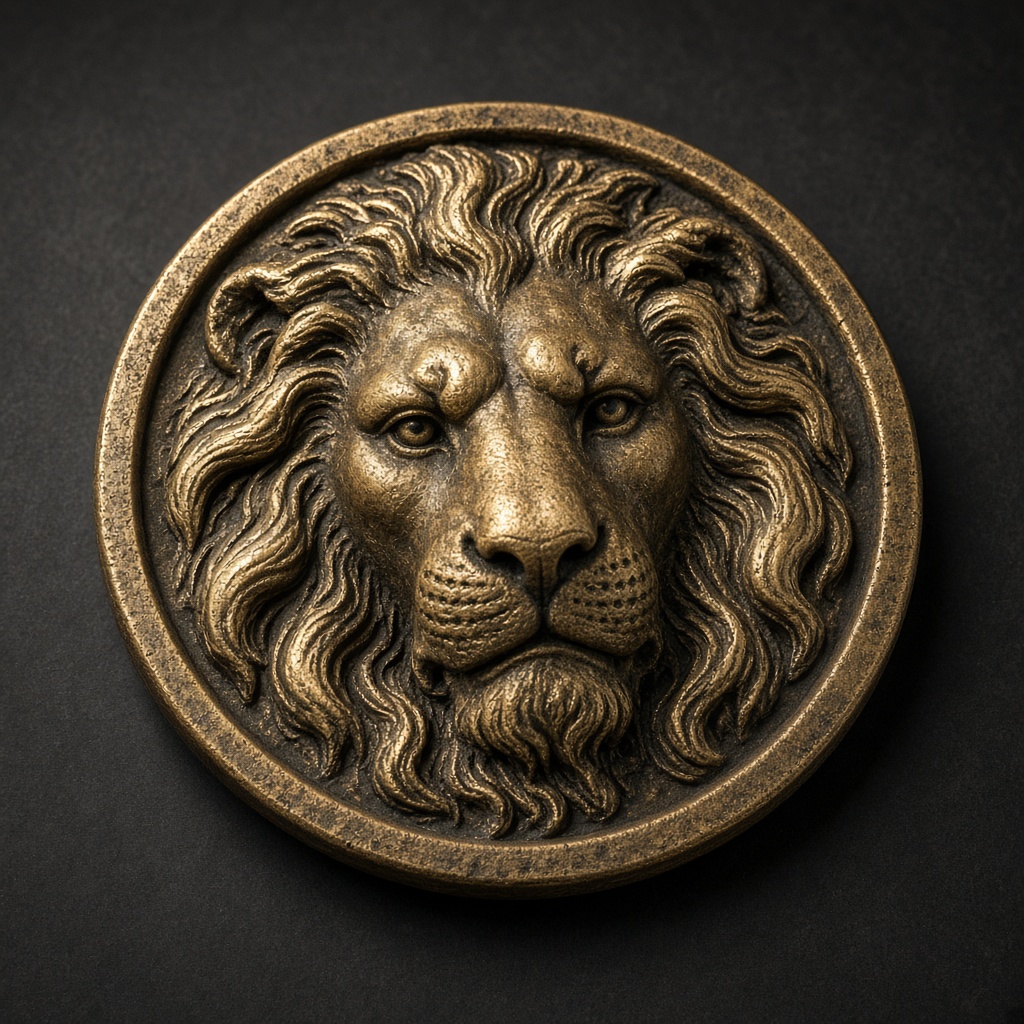
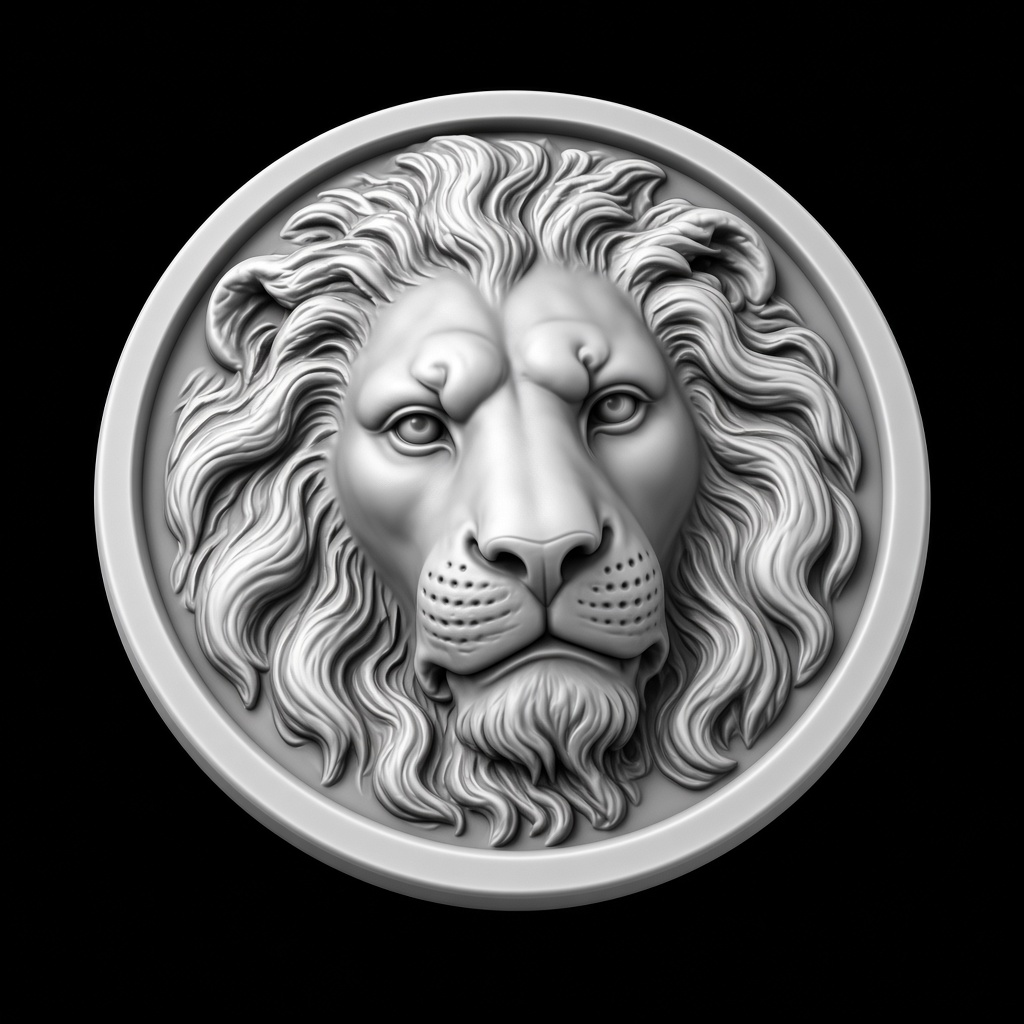
The lion file is grayscale, 16 bits per pixel. Full scale is 10 mm, so the 3 mm export peaks at 19661, not 65535.
Grayscale · 16-bit · 3 mm depth · 10 mm full scale
16-bit Depth Map Generator
The lion file is grayscale, 16 bits per pixel. Full scale is 10 mm, so the 3 mm export peaks at 19661, not 65535.
65,536 grayscale levels — the right default for LightBurn 3D Sliced, Carveco, ArtCAM.
Preview
Lion medallion
Parameters
preset: 16-bitLocal adjustments
Export
Sliders rewrite this result locally. PNG and STL match the preview.
This sample
Four steps
- 1
Upload
The lion sample is loaded. Replace it with your own photo when you want a new field.
- 2
Generate
The server returns one 16-bit field. The raw lion file spans the full 0–65535 range.
- 3
Set depth
The depth slider writes that height into a 10 mm scale. 3 mm and 0.8 mm are different files.
- 4
Download
The PNG matches the depth view. Dragging the slider does not start another generation.
Questions
A new photo is one upload.
Generate sends it once. Depth, invert, gamma, and crop then stay in the browser. The sample on this page is already a real file.