LightBurn 3D Sliced
A 16-bit PNG for a fiber laser.
Start from the lion. Depth is estimated on the server. The table is a set of starting values for a 50 W MOPA, not a LightBurn project file.
16-bit PNG · Brass · Silver · Stainless
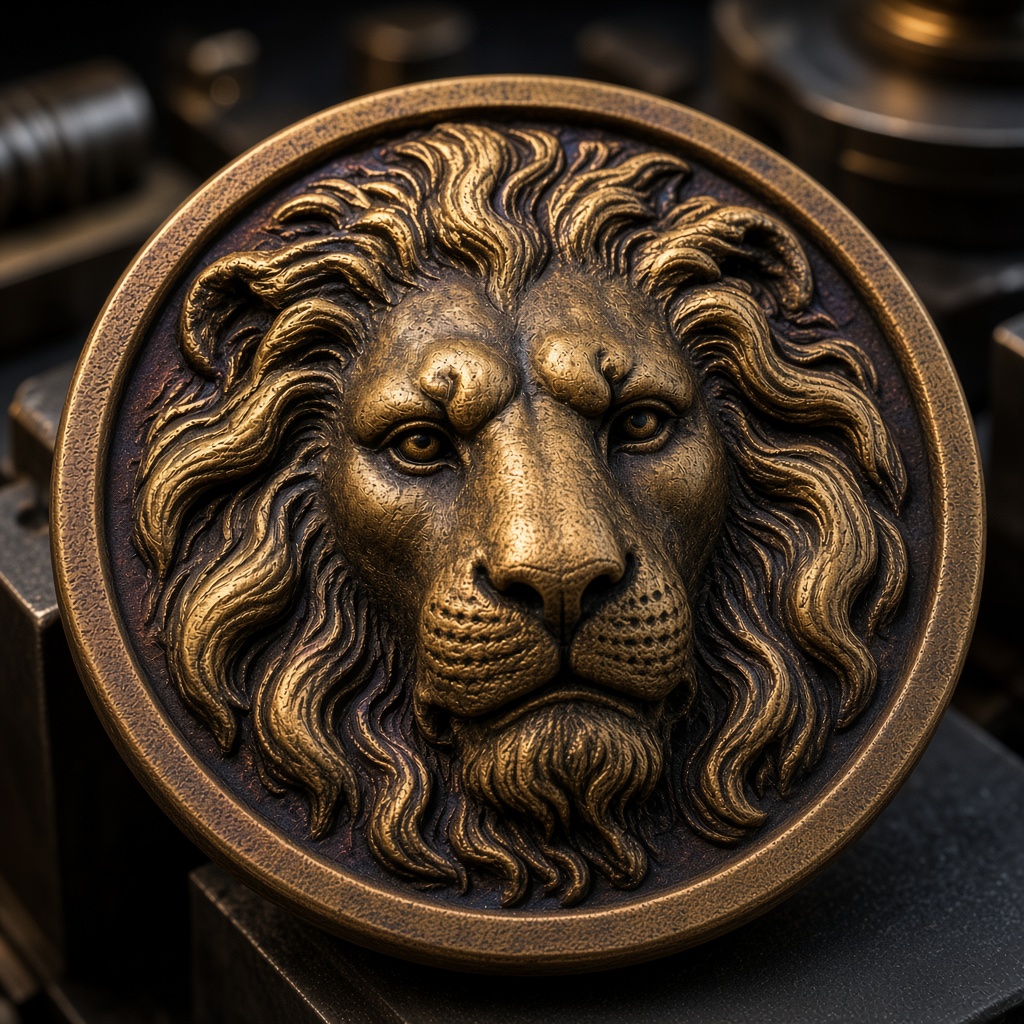
16-bit depth map
One server request, then the depth slider rewrites the PNG locally.
65,536 grayscale levels — the right default for LightBurn 3D Sliced, Carveco, ArtCAM.
Preview
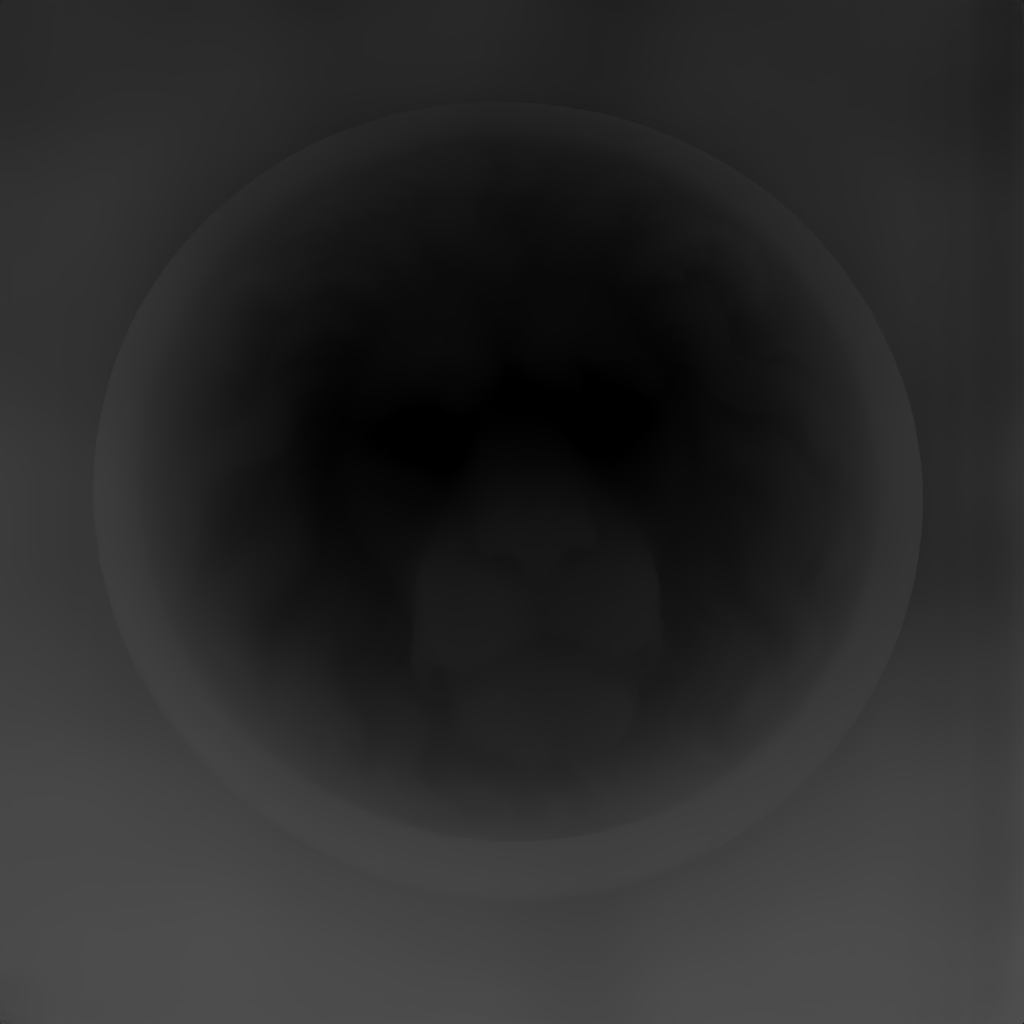
Lion medallion
Parameters
preset: 16-bitLocal adjustments
Export
Sliders rewrite this result locally. PNG and STL match the preview.
Starting values for a 50 W fiber laser
Starting values assume a 50 W JPT MOPA fiber source and a 16-bit depth map input. For 30 W, drop passes by ~30%; for 100 W, drop power % by ~20%. Focus offset is relative to the top surface of the workpiece.
| Material | Thickness | Power | Frequency | Passes | DPI | Focus |
|---|---|---|---|---|---|---|
| Brass C260 / C360 | 2–3 mm | 60–80% | 35 kHz | 8–12 | 660 | +0.3 mm |
| Brass C260 / C360 | 1 mm | 55–65% | 30 kHz | 6–8 | 600 | 0 |
| Sterling Silver 925 | 1 mm | 45–60% | 25 kHz | 6–8 | 600 | 0 |
| Sterling Silver 925 | 0.5 mm | 35–50% | 20 kHz | 4–6 | 560 | 0 |
| Stainless 304 | 2–3 mm | 70–90% | 40 kHz | 10–14 | 720 | +0.3 mm |
| Stainless 304 | 1 mm | 60–75% | 35 kHz | 8–10 | 660 | 0 |
| Aluminum 6061 | 2–3 mm | 50–70% | 30 kHz | 8–10 | 660 | +0.3 mm |
| Aluminum 6061 | 1 mm | 40–55% | 25 kHz | 6–8 | 600 | 0 |
| Copper C110 | 2–3 mm | 70–85% | 30 kHz | 10–14 | 660 | +0.3 mm |
| Copper C110 | 1 mm | 60–75% | 25 kHz | 8–10 | 600 | 0 |
| Black-coated brass | 2 mm | 30–45% | 20 kHz | 2–3 | 560 | 0 |
| Anodized aluminum | 2 mm | 25–40% | 20 kHz | 2–3 | 560 | 0 |
Starting values for a 50 W source. Copy a row into LightBurn. This page does not download a project file.
Why LightBurn 3D Sliced needs a true 16-bit source
LightBurn's 3D Sliced engraving mode maps every grayscale level in the source image to a specific laser-power percentage. An 8-bit input gives the laser 256 discrete power levels; on a 3 mm-deep brass engraving that is 0.0117 mm per step. The fiber laser's beam diameter at focus is ~20 µm, so the step is three times wider than the laser can resolve — and the staircase burns into the workpiece as visible horizontal topography lines.
A true 16-bit depth map gives the laser 65,536 power levels — 0.000046 mm per step. Below the laser resolution by four orders of magnitude. The staircase vanishes; what remains is the finish quality of your optics, workpiece prep, and material.
Every page on this site that mentions 16-bit refers to this specific physical consequence. The 16-bit depth map generator writes a 16-bit grayscale PNG. The raw field uses the full 0–65535 range. A 3 mm export peaks near 19661, because 65535 means 10 mm.
The step-by-step workflow (20 minutes end-to-end)
- 1. Export a true 16-bit PNG. In the Depth-Map.com workbench, select the 16-bit preset. Verify: the file must be 16-bit grayscale. A 3 mm relief peaks near 19661. Only the raw model file reaches 65535.
- 2. Create a new LightBurn image layer. Import at the physical workpiece size (e.g. 40 mm for a challenge coin). Change the image mode to 3D Sliced.
- 3. Pick the material row. Match brass / silver / stainless / aluminum / copper from the matrix above to your blank. Power %, frequency, passes, DPI, and focus — set all five.
- 4. Corner test, 10 × 10 mm. If topography lines are visible, re-verify the PNG is truly 16-bit. Re-check LightBurn's "Negative image" toggle: 3D Sliced expects white = deepest cut. Flip if your depth map has the opposite convention.
- 5. Full engrave. For a 40 mm brass coin on a 50 W fiber: 8–12 minutes. If the first pass is clean, retune power % ±5% for color — darker burns want higher power; lighter burns want lower.
Troubleshooting — common first-pass failures
- Visible horizontal steps on finished piece — almost always a hidden 8-bit input. Re-export at 16-bit from the workbench and verify with ImageMagick.
- Engraving is too shallow — increase passes before power. Doubling passes gives a cleaner deeper cut than raising power %, which risks oxidation and halation.
- Blurred highlights on brass — focus offset is wrong. For 2–3 mm deep engraving, set focus +0.3 mm above the top surface so the beam waist sits mid-depth.
- Burn marks around the engrave — halo from stray beam; add a 2 mm air-assist shield or raise frequency to 40 kHz to tighten the pulse.
- Image mirrored on the workpiece — LightBurn 3D Sliced polarity. Flip horizontally in the layer, not in the source image.
LightBurn 3D Sliced — FAQ
Related
16-bit depth map generator
The workbench preset that produces the required true-16-bit input.
Challenge coin generator
0.8 mm depth and a 1.2 mm base. Rim and lettering stay in the laser file.
Depth-R alternative
Pro is $19 a month. Depth-R Starter is listed at $26.90.
For Blender and ZBrush
The same depth map in a 3D rendering / sculpting pipeline.
A new photo is one upload.
Generate sends it once. Copy a row from the table into LightBurn. There is no project file to download.