Depth-Map.com vs SculptOK
Depth-Map.com vs SculptOK — which depth-map tool fits your workflow?
SculptOK Ultimate is listed at $75 a month and runs both depth estimation and an in-browser 3D editor on its servers. Depth-Map.com stops at the manufacturing export — a 16-bit PNG and a closed STL — and keeps every slider after Generate local. Below: a spec table, where each tool wins, and how to migrate a SculptOK project.
16-bit PNG · STL · Pro $19/mo
| SculptOK | Depth-Map.com | |
|---|---|---|
| Output format | not disclosed | 16-bit PNG + closed STL |
| Bit depth | not disclosed | 16-bit grayscale (65,536 levels) |
| STL closed vs open | not disclosed | Closed (floor + 4 walls) |
| Free-tier limits | not disclosed | 3 credits / UTC day signed-in; 3 / day anon |
| Entry price | Ultimate $75 / mo | Pro $19 / mo (300 credits) |
| Where mesh is built | Server (their editor) | One server request, then browser sliders |
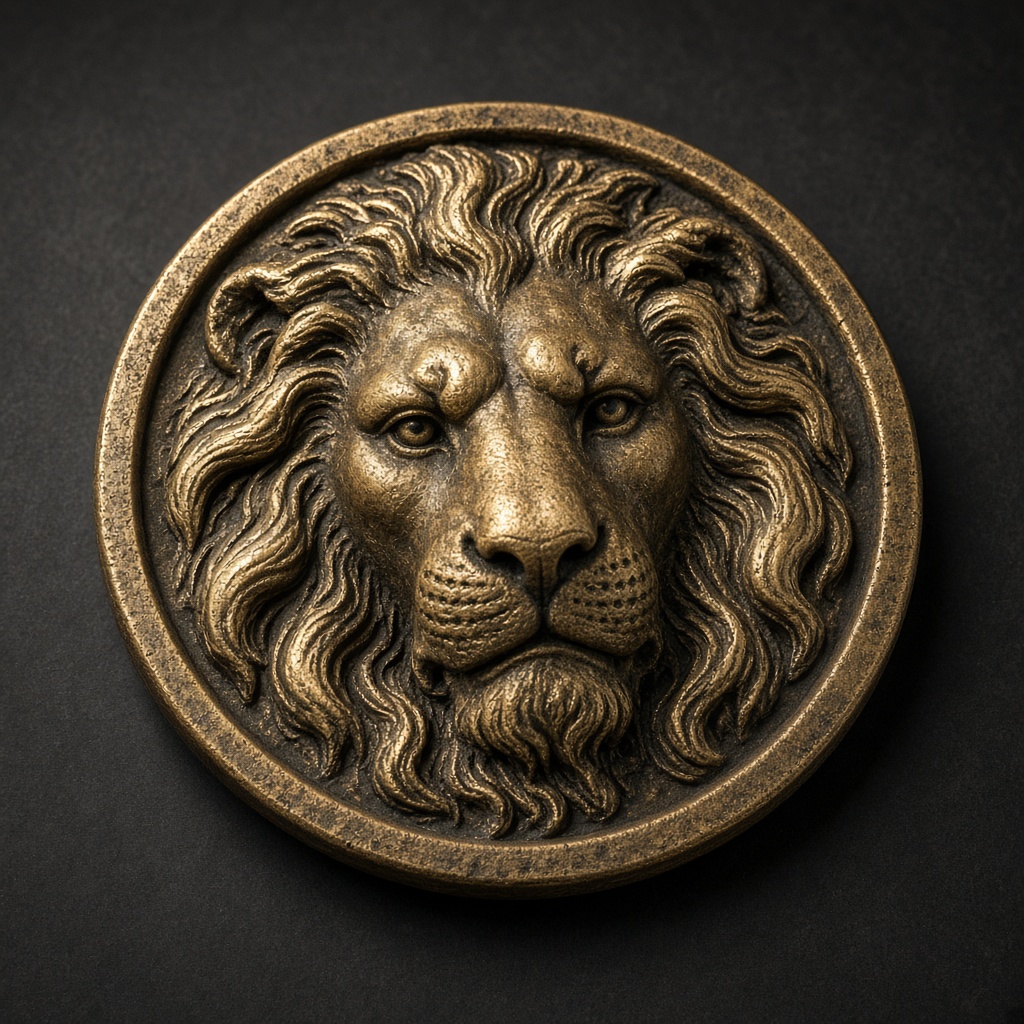
Sample from this photograph.
16-bit PNG · STL · 3 mm depth, 1.5 mm base, 40 mm long side

Who each tool is for
SculptOK sits on the editor side. Depth-Map.com sits on the file side.
SculptOK wins when your workflow needs server-side sculpting. The product’s centre of gravity is the in-browser 3D editor that sits after depth estimation: you push, smooth, and resculpt the mesh before export. Independent user reviews are thin on the open web — ChatGPT has flagged this gap directly — but the SculptOK /blender inner page ranks at position #4 on “depth map blender” in US organic SERPs, which is consistent with a Blender-adjacent user base pulling a generated depth map into Displacement Modifier for further sculpting. If your tolerance for a $75 / month seat is tied to post-generate sculpting that you would otherwise pay $39.95 / month for in ZBrush, SculptOK is the straight play.
Depth-Map.com wins when the export is the deliverable. The workflow ends at a 16-bit PNG and a closed STL, which are what fiber-laser (LightBurn 3D Sliced), CNC bas-relief (Carveco, ArtCAM, VCarve), and 3D printing (Bambu Studio, PrusaSlicer) actually consume. One server call runs Depth Anything 3’s metric model; every slider after that — depth in millimetres, base, invert, gamma, flatten, crop, long side — stays in the browser. The lion sample on the homepage is a working export: 3 mm relief on a 1.5 mm base, 40 mm long side. There is no in-browser sculpting tool here, and that is the point: if the file is going to a machine, extra editing is a liability, not a feature.
Migration
Moving a SculptOK project in five passes.
- Export the source photograph, not SculptOK’s depth file. The bit depth of SculptOK’s export is not disclosed; regenerating on Depth Anything 3 from the original photo gives you a known-quality 16-bit field rather than inheriting unknown quantisation.
- Load the photograph and press Generate. One upload. The reply is a 16-bit grayscale PNG. If you were paying for 300 SculptOK Ultimate operations, that is $19 / month on Pro instead of $75.
- Reproduce your target relief with the sliders. Depth in millimetres, base, invert, gamma, flatten, and crop all run locally and consume no credits. Download the PNG at any state.
- Download the closed STL. Floor plus four walls, 40 mm long side by default. Change the long side without another Generate.
- Keep SculptOK only for the post-generate sculpt step if you still need it. The two tools do not fight for the same output slot — one produces a sculptable mesh in a server editor, the other produces a manufacturable file on disk.
What the table leaves blank
Five rows say “not disclosed”. That is the honest answer.
SculptOK’s public plans page documents the Ultimate price ($75 a month), but it does not publish the bit depth of its depth-map export, whether the exported mesh is closed or open, or the free-tier allowance. We deliberately do not infer those numbers from rank scrapes or community posts. If you make a laser-time or printer-time decision from a wrong bit-depth claim, the cost is real — stepping on brass, refused slices in PrusaSlicer, or a rim that reads as negative height in LightBurn 3D Slice.
The one thing that is public is SERP behaviour. In US organic search, SculptOK’s homepage holds 99.53% of the site’s traffic, and all of its inner /guides/image-to-depth-map, /use-cases, and /imageGenerator pages measure zero organic clicks. That is a thin-page footprint and reasonable context for the “not disclosed” entries above. Buyers who need those answers should ask SculptOK directly; if SculptOK publishes a spec sheet, we will fill in the rows.
LightBurn, Blender, and the file that leaves
One 16-bit PNG, four downstream surfaces.
For LightBurn 3D Sliced the inputs are a 16-bit grayscale PNG and a passes / kHz / DPI starting table. Depth-Map.com publishes the starting table on /for/lightburn-3d-sliced; SculptOK does not publish one. For Blender, the file is the same 16-bit PNG dropped onto a Displacement Modifier. For ZBrush, the same PNG imports as an alpha brush. For printed lithophanes, the same PNG inverts in one click and exports as a closed STL that sits flat on the bed — not a curved shade. The PNG and the STL are the same two files across all four surfaces; only the slicer or the laser controller differs.
Try it from the homepage with the lion sample already loaded. Pricing for Pro and Studio sits at /pricing.